Sign up with Google
 Sign in with Zoho

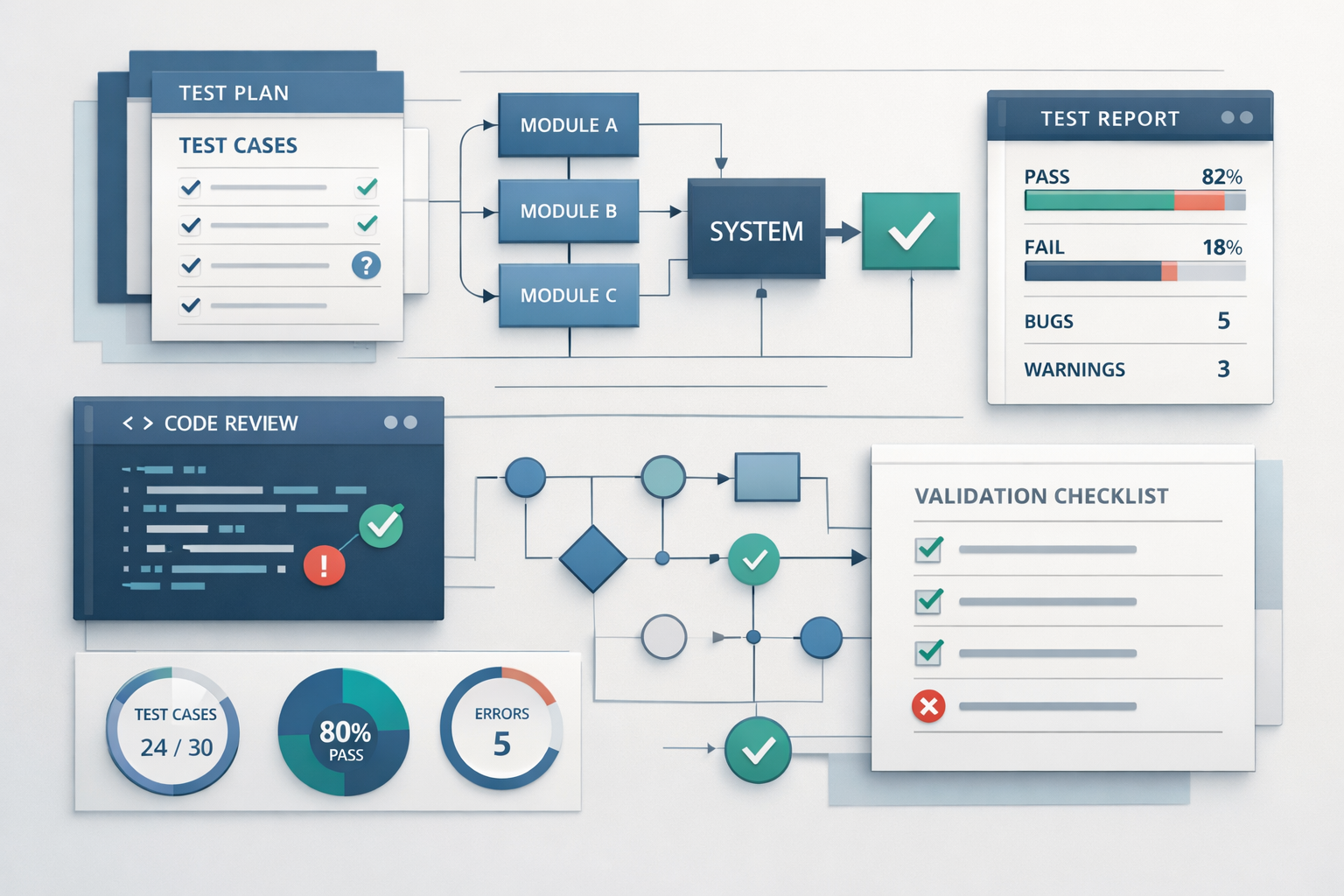
In theory, testing might seem straightforward - write test cases, execute them, and report bugs. But in real-world projects, the process is far more dynamic. Understanding software testing basics in a practical context helps bridge the gap between theory and actual implementation.
QA teams don’t just “test” applications - they follow structured workflows, collaborate with developers, adapt to changing requirements, and continuously improve their approach. In this guide, we’ll explore how QA teams apply software testing basics in real projects, from planning to release.
Understanding Software Testing Basics in Practice
At its core, software testing basics involve verifying that an application works as expected and meets user requirements. However, in practice, testing is influenced by factors like deadlines, team collaboration, tools, and changing business needs.
QA teams focus on:
- Ensuring functionality and usability
- Identifying defects early
- Reducing production risks
- Supporting continuous delivery
Testing becomes a continuous activity rather than a one-time phase.
Step 1: Understanding Requirements and Use Cases
Every testing process begins with understanding what needs to be tested.
What QA Teams Do
- Review user stories and requirements
- Identify edge cases and potential risks
- Clarify ambiguities with product managers and developers
Real-World Insight
Requirements are often incomplete or evolving. QA teams actively participate in discussions to ensure clarity before testing begins.
Step 2: Creating a Test Strategy
Instead of jumping directly into testing, QA teams define a strategy.
Key Elements
- Scope of testing
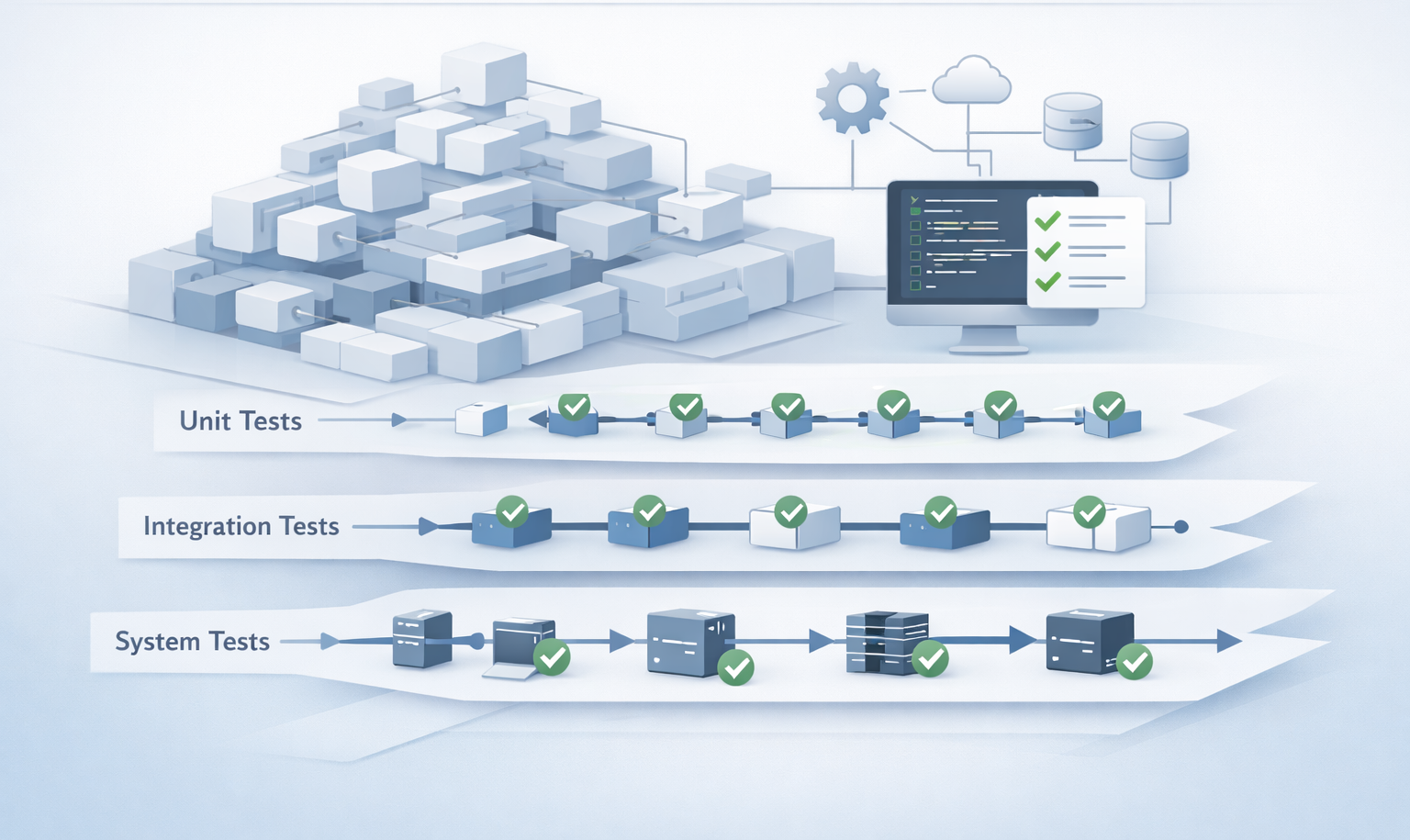
- Types of tests to be performed
- Tools and environments
- Risk assessment
This step ensures that testing efforts are aligned with project goals.
Step 3: Writing Test Cases and Scenarios
Test cases are the backbone of testing.
Practical Approach
- Focus on real user behavior
- Prioritize critical workflows
- Include both positive and negative scenarios
Example
For a login feature:
- Valid login credentials
- Invalid password
- Empty input fields
- Account lock scenarios
QA teams ensure coverage without creating unnecessary test cases.
Step 4: Setting Up the Test Environment
A realistic test environment is crucial for accurate results.
What Teams Do
- Replicate production-like conditions
- Configure databases and APIs
- Prepare test data
In practice, environment issues are common, so QA teams often spend time troubleshooting setup problems.
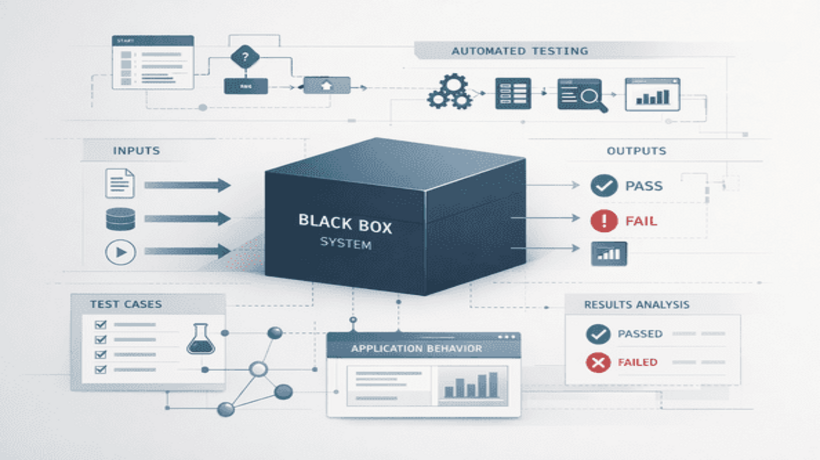
Step 5: Executing Tests
This is where software testing basics come into action.
How QA Teams Execute Tests
- Run manual test cases for exploratory and usability testing
- Use test automation for repetitive tasks
- Validate results against expected outcomes
Execution is not just about running tests - it’s about observing behavior and identifying unexpected issues.
Step 6: Defect Identification and Reporting
Finding bugs is only part of the job - reporting them effectively is equally important.
What Makes a Good Bug Report
- Clear description of the issue
- Steps to reproduce
- Expected vs actual results
- Screenshots or logs
In real projects, clear communication helps developers fix issues faster.
Step 7: Collaboration with Developers
Testing is a collaborative effort.
Practical Workflow
- QA shares bugs with developers
- Developers fix issues
- QA retests the fixes
This cycle continues until the issue is resolved.
Strong collaboration reduces delays and improves product quality.
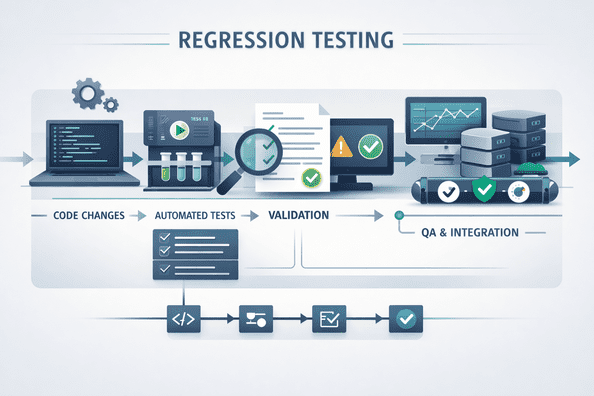
Step 8: Regression Testing in Practice
Every time a change is made, QA teams perform regression testing.
Real-World Approach
- Focus on critical features
- Use automation to save time
- Run tests frequently
Regression testing ensures that new changes do not break existing functionality.
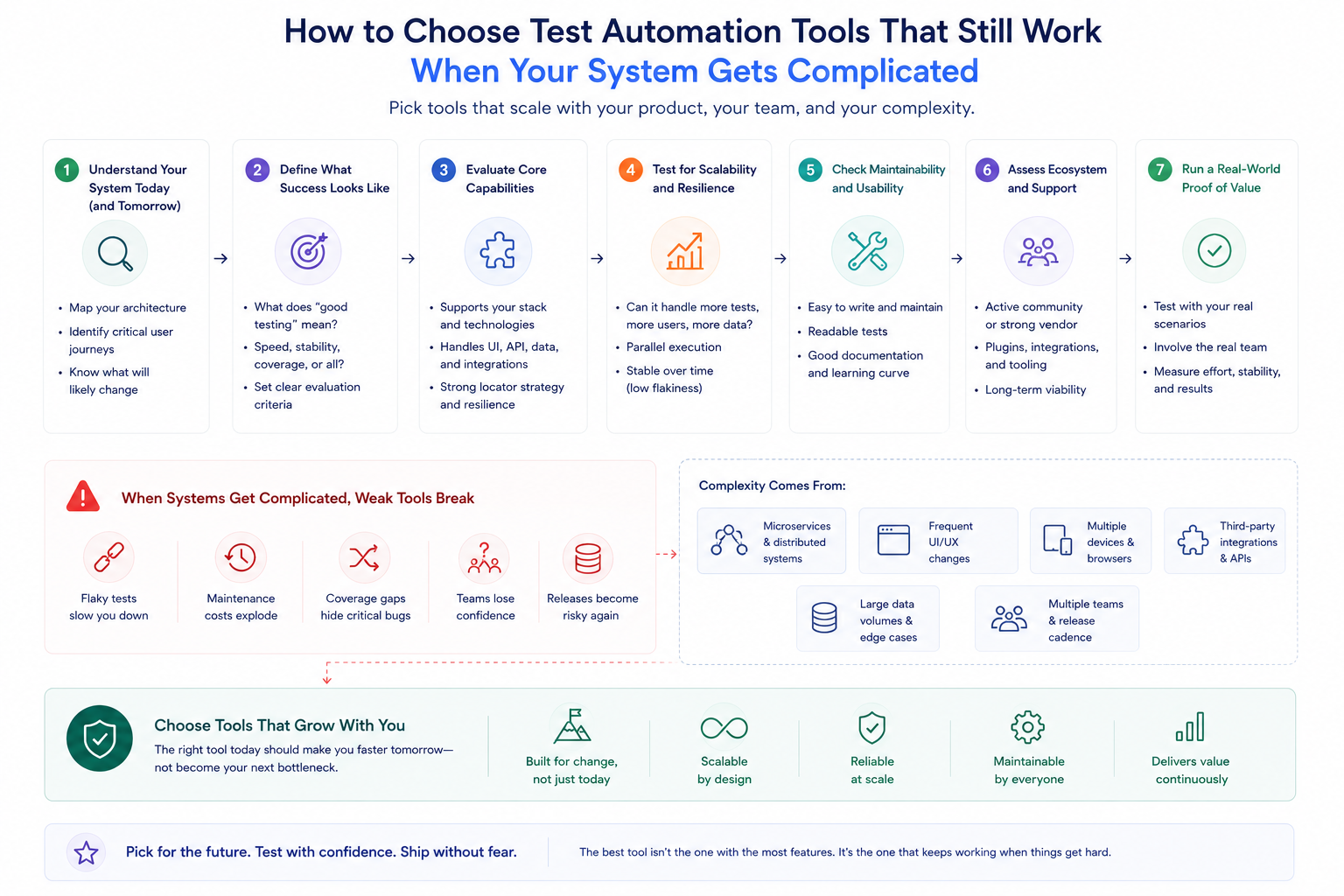
Step 9: Test Automation in Real Projects
While manual testing is important, test automation plays a key role in modern QA workflows.
Where Automation is Used
- Regression testing
- API testing
- Performance testing
Automation helps teams:
- Save time
- Increase test coverage
- Get faster feedback
However, QA teams carefully decide what to automate to avoid unnecessary complexity.
Step 10: Continuous Testing in Agile and DevOps
In modern development environments, testing is continuous.
How QA Teams Adapt
- Test during development, not after
- Integrate tests into CI/CD pipelines
- Provide rapid feedback
This approach aligns with software testing basics while supporting fast delivery cycles.
Common Challenges QA Teams Face
Real-world testing is not without challenges:
- Changing requirements
- Tight deadlines
- Environment instability
- Managing large test suites
- Communication gaps
QA teams must adapt quickly and prioritize effectively to overcome these challenges.
Best Practices Followed by QA Teams
To apply software testing basics effectively, QA teams follow certain best practices:
- Start testing early
- Focus on high-risk areas
- Keep test cases simple and relevant
- Use a mix of manual and automated testing
- Continuously improve processes
These practices help maintain quality even under pressure.
Role of Modern Tools in Practical Testing
Modern tools have transformed how QA teams work.
They help:
- Automate repetitive tasks
- Manage test cases
- Track defects
- Integrate with CI/CD pipelines
For example, platforms like Keploy enable teams to capture real API interactions and convert them into test cases, making testing more aligned with actual user behavior and reducing manual effort.
How QA Teams Ensure Release Readiness
Before releasing an application, QA teams perform final validations:
- Run critical test scenarios
- Verify bug fixes
- Perform sanity testing
- Ensure all requirements are met
Only after thorough validation is the application considered ready for release.
Conclusion
Understanding software testing basics in theory is important - but seeing how QA teams apply them in practice provides real value. From requirement analysis to test execution and defect tracking, every step involves careful planning, collaboration, and continuous improvement.
In real-world projects, testing is not a linear process. It evolves with the application, adapts to challenges, and relies on both human expertise and automation.
By following practical workflows and best practices, QA teams ensure that applications are reliable, user-friendly, and ready for real-world use.