Sign up with Google
 Sign in with Zoho


Key Takeaways
- An Appointment Scheduling CRM combines customer relationship management with automated booking workflows, replacing manual scheduling with intelligent, data-driven systems
- Businesses using CRM-based scheduling report up to 40% reduction in no-shows through automated multi-channel reminders
- Unlike standalone calendar tools, an Appointment Scheduling CRM captures client data, tracks interaction history, and triggers follow-up actions automatically
- Industry adoption spans healthcare, legal, real estate, beauty, financial services, and education — each leveraging CRM scheduling for distinct operational needs
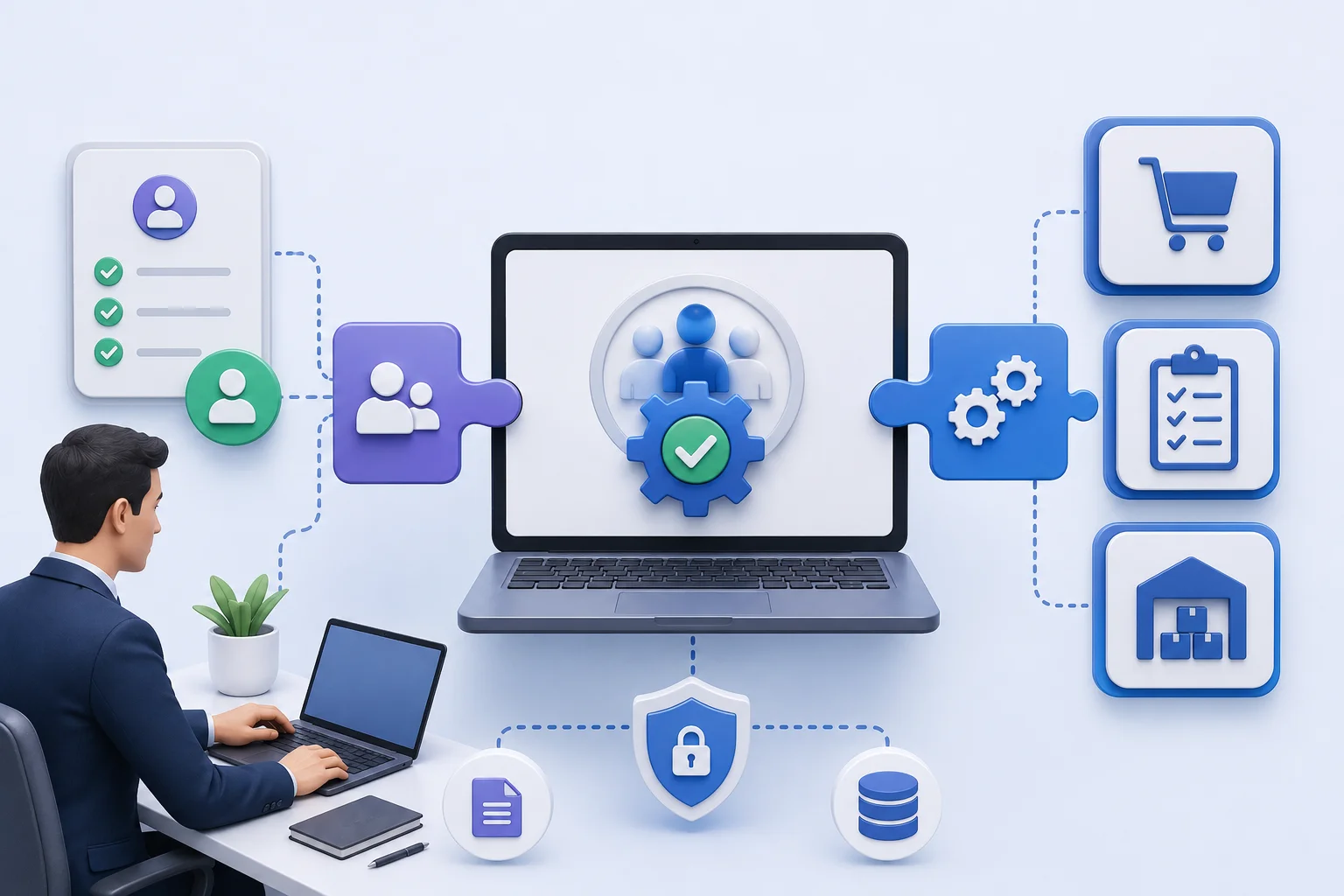
- The core architecture includes a self-booking portal, client database, automation engine, calendar sync, and analytics dashboard working as one unified system
- AI-powered scheduling CRM tools are evolving rapidly, with predictive booking, conversational interfaces, and real-time availability intelligence becoming standard features by 2025
What Is an Appointment Scheduling CRM?
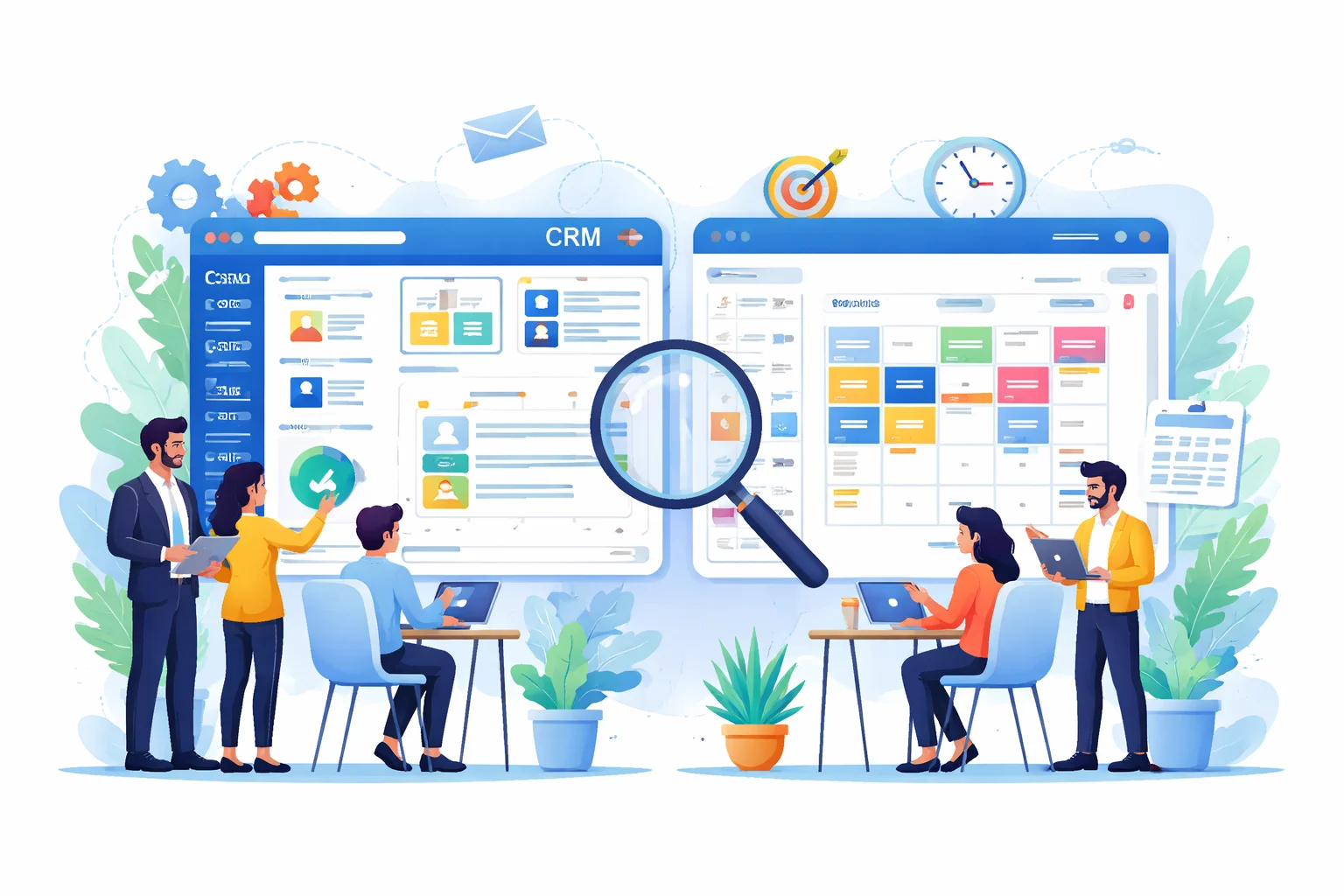
An Appointment Scheduling CRM is a unified software platform that integrates customer relationship management capabilities with appointment booking and calendar management. It allows businesses to automate the entire scheduling lifecycle — from online booking and confirmation to reminders, follow-ups, and post-appointment reporting — while simultaneously building a rich client data profile with every interaction.
Traditional scheduling tools manage time. An Appointment Scheduling CRM manages relationships through time.
The distinction is fundamental. When a client books an appointment through a CRM-powered system, the platform does not just block a calendar slot. It creates or updates a customer profile, logs the booking source, triggers a confirmation message, schedules a reminder sequence, and prepares a follow-up workflow — all without human intervention.
According to a 2023 Salesforce State of CRM report, 74% of businesses that implemented CRM scheduling tools reported measurable improvement in customer satisfaction scores within the first six months. This is not coincidental. When scheduling becomes intelligent, clients experience fewer errors, faster confirmations, and more personalized interactions.
The term "Appointment Scheduling CRM" is now widely used across industries to describe any platform that merges booking automation with relationship management — whether that is a dedicated tool like Acuity Scheduling or a CRM with native scheduling modules like HubSpot Meetings or Salesforce Scheduler.
How Does a CRM for Appointment Scheduling Work?
A CRM for appointment scheduling operates through a structured, interconnected workflow that moves a client from initial booking intent to post-appointment engagement — automatically, consistently, and at scale.
The system begins when a client accesses a self-booking portal, selects an available time slot, and submits their details. From that single action, the CRM executes a series of automated processes that would otherwise require multiple manual steps from staff.
The End-to-End Scheduling Workflow
- Stage 1 — Booking Initiation The client visits a branded booking page, views real-time availability, and selects a time slot that suits them. This page reflects live calendar data, preventing double bookings across staff members or locations.
- Stage 2 — Data Capture and CRM Profile Creation Upon submission, the CRM either creates a new client record or appends the booking to an existing profile. It logs the service type, booking source, assigned staff member, and any intake information collected through pre-booking forms.
- Stage 3 — Automated Confirmation The system immediately sends a booking confirmation via email, SMS, or WhatsApp — whichever channel the client prefers. This confirmation typically includes appointment details, location or video link, and preparation instructions specific to the service.
- Stage 4 — Reminder Sequence Execution The CRM triggers a pre-configured reminder sequence. Most businesses deploy a 48-hour email reminder followed by a 24-hour SMS — a combination that research from the Journal of Medical Internet Research identifies as reducing no-shows by up to 38% compared to no reminders.
- Stage 5 — Appointment Delivery and Staff Preparation Staff members receive the appointment summary, including the client's history, preferences, previous notes, and any form responses — enabling a more informed and personalized service delivery.
- Stage 6 — Post-Appointment Follow-UpAfter the appointment, the CRM automatically triggers follow-up actions: a satisfaction survey, a review request, a rebooking prompt, or a tailored offer based on the service received. This stage is where scheduling CRM tools generate significant long-term revenue impact.
This end-to-end automation removes the administrative burden from front-desk staff and ensures a consistent, professional client experience every time — regardless of staff availability or business size.
Why Is an Appointment Scheduling CRM Application Important?
An Appointment Scheduling CRM application is important because it directly addresses three of the most costly operational problems businesses face: missed appointments, disconnected client data, and inefficient staff time. By automating scheduling and linking it to a customer intelligence layer, businesses reduce revenue leakage while simultaneously improving the client experience.
The business case for CRM-based scheduling is compelling and well-documented.
No-shows represent one of the most significant revenue losses across service-based industries. In the US healthcare sector alone, missed appointments cost an estimated $150 billion annually, according to a 2022 report by Zocdoc. In legal, financial, and beauty industries, the proportional impact is equally damaging — a single empty appointment slot represents both lost revenue and wasted staff time that cannot be recovered.
Beyond the direct financial loss, manual scheduling creates a fragmented client experience. When a new receptionist handles a booking without access to client history, the interaction feels impersonal. When a reminder is forgotten because someone was busy, a client no-shows. When a follow-up does not happen, a one-time client never becomes a repeat customer.
An Appointment Scheduling CRM application solves all three problems simultaneously. Automated reminders eliminate preventable no-shows. Centralized client profiles give every team member full context before each interaction. And systematic follow-up workflows convert single appointments into ongoing client relationships.
For growing businesses, the scalability argument is equally important. A solo practitioner can manage a basic calendar manually. But the moment a business adds a second staff member, a second location, or a second service line, manual scheduling becomes a liability. CRM scheduling scales without proportionally increasing administrative headcount.
Key Benefits of an Appointment Scheduling CRM Tool
The benefits of an Appointment Scheduling CRM tool extend well beyond convenience. They represent measurable improvements in revenue, operational efficiency, and client retention that compound over time.
Automated No-Show Reduction
The most immediately quantifiable benefit is no-show reduction. Multi-channel automated reminders — delivered via SMS, email, and in some cases WhatsApp — ensure clients are notified at optimal intervals before their appointment. Beyond reminders, CRM scheduling tools allow clients to confirm, cancel, or reschedule with a single click, filling vacated slots through waitlist automation rather than leaving them empty.
Businesses that implement reminder automation consistently report no-show rate reductions between 25% and 40%, according to data compiled by Appointy and Mindbody across their respective customer bases.
Centralized Client Intelligence
Every appointment becomes a data point. Over time, the CRM builds a comprehensive profile for each client: which services they book, how frequently they return, whether they tend to cancel or reschedule, their preferred staff member, and their communication preferences. This intelligence allows businesses to personalize every interaction, identify high-value clients, and proactively reach out with relevant offers at the right moment.
Revenue Growth Through Follow-Up Automation
Post-appointment follow-up is where most businesses leave revenue on the table. A client who visits a physiotherapy clinic for a session is a strong candidate for a follow-up appointment, a complementary service, or a referral incentive — but only if someone reaches out at the right time. CRM scheduling tools automate these touchpoints, ensuring no revenue opportunity is missed due to staff oversight or workload pressure.
Operational Efficiency and Staff Productivity
Administrative tasks associated with scheduling — answering booking calls, sending reminders, managing cancellations, updating records — consume significant staff hours in most service businesses. A 2021 McKinsey study found that employees spend an average of 28% of their workweek managing email and scheduling-related communications. CRM automation returns a substantial portion of this time to higher-value activities, improving both productivity and job satisfaction.
Scalability Without Operational Complexity
A CRM-based scheduling system grows with the business. Adding a new staff member means creating a new calendar profile linked to the existing CRM. Opening a new location means adding a location layer to the booking portal. Launching a new service means adding it to the service menu with its own duration, price, and booking rules. None of these changes require a manual scheduling overhaul or additional administrative hires.
Architecture and Core Components of an Appointment Scheduling CRM
The architecture of an Appointment Scheduling CRM is built around five core components that work as a cohesive, integrated system rather than a collection of independent tools.
Self-Booking PortalThe client-facing interface where appointments are initiated. This portal reflects real-time staff availability, service options, and location details. It is typically mobile-optimized, brandable, and embeddable into existing websites or social media profiles. The quality of this interface directly impacts booking conversion rates.
Customer Relationship DatabaseThe central repository that stores all client information: contact details, appointment history, communication logs, preferences, notes, and behavioral data. This database is what transforms a scheduling tool into a true CRM — it is the intelligence layer that powers personalization and automation.
Automation EngineThe rules-based or AI-powered system that executes triggered actions throughout the client lifecycle. This includes confirmation messages, reminder sequences, follow-up workflows, rebooking nudges, and review requests. The sophistication of the automation engine varies significantly between platforms, from simple time-based triggers to complex conditional logic.
Calendar Synchronization LayerThe integration that keeps the CRM scheduling system aligned with external calendars — Google Calendar, Microsoft Outlook, and Apple Calendar. Two-way synchronization ensures that personal and business appointments are reflected in real-time availability, preventing conflicts.
Reporting and Analytics DashboardThe performance visibility layer that surfaces key scheduling metrics: no-show rates, booking conversion rates, staff utilization, peak booking periods, revenue per appointment type, and client retention rates. This data enables informed business decisions about capacity, staffing, and service mix.
Real-World Use Cases Across Industries
Appointment Scheduling CRM tools are deployed across diverse industries, each leveraging the platform's capabilities to solve industry-specific operational challenges.
In healthcare, CRM scheduling manages patient appointment flows, telehealth consultations, multi-provider calendars, and pre-appointment intake forms. Platforms like SimplePractice and Athenahealth serve this sector with HIPAA-compliant scheduling that reduces administrative burden while improving the patient experience. A primary care clinic in the US using CRM scheduling can automate hundreds of appointment reminders weekly — work that previously required dedicated front-desk staff hours.
In legal services, Scheduling CRM tools track consultation appointments alongside billable hours, flag scheduling conflicts, and automate follow-up communications with clients awaiting case updates. Clio, a legal-specific CRM, integrates scheduling directly with matter management and billing — giving law firms complete visibility from the first consultation to the final invoice.
In real estate, agents use CRM scheduling to manage property viewing calendars, capture lead data at the point of booking, and automate post-viewing follow-ups that move prospects through the sales pipeline. In markets like the UAE and Australia, where high-volume viewings are common, multi-agent scheduling optimization is a direct competitive advantage.
In beauty and wellness, platforms like Mindbody and Fresha combine staff-specific booking calendars with client preference tracking and automated rebooking prompts — generating measurably higher repeat visit rates for salons, spas, and fitness studios.
In financial services, wealth managers and independent financial advisors use Scheduling CRM tools to automate annual review scheduling, send pre-meeting document requests, and maintain compliance-ready records of every client interaction — a requirement under SEC, FCA, and ASIC regulatory frameworks.
Challenges and Best Practices in CRM Scheduling Implementation
Despite its clear advantages, implementing an Appointment Scheduling CRM is not without challenges. Understanding these obstacles in advance significantly improves adoption rates and long-term ROI.
The most common implementation challenge is staff adoption. Teams accustomed to manual scheduling or basic calendar tools often resist new systems, particularly if the initial setup requires data migration or workflow changes. Businesses that invest in structured onboarding, role-specific training, and a phased rollout consistently achieve higher adoption rates than those that implement without preparation.
Data quality is a secondary challenge that compounds over time. A Scheduling CRM is only as valuable as the client data within it. Incomplete profiles, duplicate records, and inconsistent data entry practices undermine the personalization and automation capabilities that justify the investment.
Integration complexity presents a third challenge, particularly for businesses with existing software ecosystems. EHR systems, billing platforms, payment gateways, and marketing tools all need to communicate seamlessly with the scheduling CRM for the system to function as a true hub. Choosing a platform with pre-built integrations for your existing tools is significantly more efficient than attempting custom API connections.
Best practices for successful implementation include:
- Auditing existing scheduling workflows before selecting a platform to ensure the tool fits the business — not the reverse
- Starting with a pilot team or location before full deployment, using feedback to refine configuration
- Establishing clear data entry standards and assigning a CRM administrator responsible for data hygiene
- Choosing platforms that offer GDPR, HIPAA, or regional compliance features relevant to the business's operating geography
- Regularly reviewing automation workflows to ensure they remain relevant as services and client expectations evolve
Future Trends in Appointment Scheduling CRM
The future of Appointment Scheduling CRM is being shaped by artificial intelligence, conversational interfaces, and deeper integration between scheduling data and broader business intelligence systems.
AI-powered scheduling assistants are moving from novelty to standard feature. Platforms are beginning to deploy large language model integrations that allow clients to book appointments through natural language conversations — via chatbot, SMS, or voice — rather than navigating a booking portal. This reduces booking friction and opens scheduling access to a wider audience, including those less comfortable with digital interfaces.
Predictive scheduling is emerging as a significant capability differentiator. By analyzing historical booking patterns, cancellation behaviors, and seasonal demand cycles, AI-enhanced CRM scheduling tools can proactively suggest optimal appointment times, predict no-show risk for specific bookings, and recommend capacity adjustments before bottlenecks occur.
Hyper-personalization is becoming the baseline expectation. Clients who receive communications that reflect their specific history, preferences, and behavior patterns are significantly more likely to rebook and refer. As CRM scheduling platforms accumulate richer client datasets, the intelligence available for personalization deepens — making generic, time-only scheduling tools increasingly uncompetitive.
Integration with healthcare wearables, financial planning platforms, and smart home systems will further blur the boundary between scheduling and proactive service delivery — a future where the CRM initiates the appointment suggestion based on client data signals, rather than waiting for the client to reach out.