Sign up with Google
 Sign in with Zoho

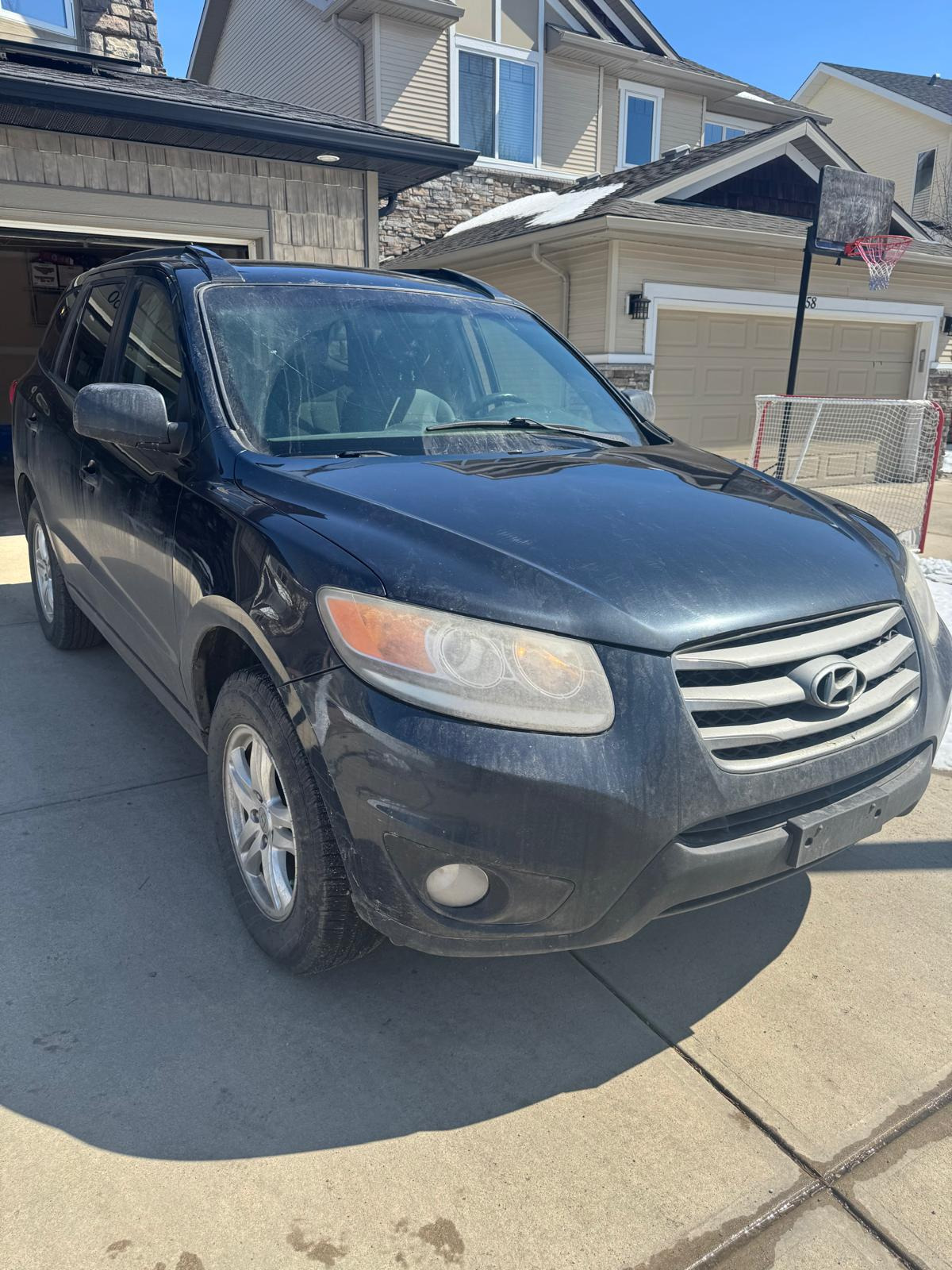
Most people spend a lot of time thinking about the money side of selling a car. What's it worth? Who's paying the most? How fast can the deal close? All valid questions. But there's one thing that barely anyone thinks about until after the buyer has already driven away — and by then, it's too late.
Your personal information is all over that vehicle.
Not in an obvious way. Not a sticky note with your SIN number on the dashboard. But it's there — buried in the infotainment system, saved in the Bluetooth memory, stored in the GPS history, tucked inside the glove box, embedded in garage door openers that still connect to your home. The car you're selling for cash is carrying a surprising amount of data about your life, and a little carelessness during the handoff can create problems that outlast the transaction by months.
This isn't about paranoia. It's about being thorough. And once you know what to look for, the whole process takes less than an hour.
Why This Matters More Than Most Sellers Realize
Here's the thing about selling to a cash buyer or a wrecker — you often don't know who the end user of that information is. A reputable Calgary cash for cars company will process the vehicle responsibly. But the infotainment system that holds your home address, your contact list, and your calendar sync? That might get pulled as a salvageable part and end up in someone else's vehicle before the month is out.
Your connected car is basically a smartphone on wheels. And just like you'd wipe a phone before selling it, wiping your car deserves the same attention.
Identity theft doesn't always come from dramatic data breaches. Sometimes it starts with a garage door frequency, a saved home address in a navigation system, or a bank card number stored in a toll payment app. These are small things that feel harmless until they aren't.
Step One — Start With the Glove Box and Interior
Before you touch any technology, go through the physical spaces first. It sounds obvious, but sellers regularly forget things in:
- The glove box — insurance slips, registration copies, vehicle ownership documents, old parking receipts with your address printed on them
- The centre console — coins are one thing, but also check for old receipts, business cards, USB drives, sunglasses with prescription lenses that could identify a medical provider
- Door pockets — maps, toll receipts, drive-through receipts, anything with a name or address on it
- Under the seats — especially the driver's seat, where things slide and get forgotten for months
- The trunk — gym bags, sports equipment with name tags, reusable shopping bags from stores that have your loyalty card info
Go through every compartment like you're returning a rental car and you know they charge for anything left behind. Because in this case, the cost isn't a cleaning fee — it's your personal data walking out the door with a stranger.
Step Two — Wipe the Infotainment System
This is the most important technical step, and it's the one most sellers completely skip.
Modern vehicles — anything from roughly 2013 onward — store a significant amount of data in the infotainment and navigation system. Depending on your make and model, this can include:
- Your home and work addresses saved in the GPS
- Recent destinations and frequently visited locations
- Paired phone contacts synced via Bluetooth
- Call history from hands-free phone use
- Text message previews if your phone synced messages to the display
- Wi-Fi passwords if the vehicle connected to your home network
- Streaming app login sessions — Spotify, Apple Music, Sirius XM accounts
Most vehicles have a factory reset option buried in the settings menu. Look for "System," "General Settings," or "Privacy" in your infotainment menu and search for a factory reset or master reset option. If you can't find it, a quick search of your vehicle's make, model, and year along with "factory reset infotainment" will give you exact instructions in minutes.
Do this step. It takes five minutes and it matters.
Step Three — Unpair Your Devices
Even after a factory reset, it's worth manually unpairing your phone from the vehicle's Bluetooth system if the option is available. Go into your phone's Bluetooth settings and remove the vehicle from your list of paired devices as well — this severs the connection from both ends.
If you use Apple CarPlay or Android Auto, disconnect your account from the vehicle's system before the reset. Some systems store authentication tokens separately from the main infotainment data.
Step Four — Clear Navigation History Manually
If your vehicle has a standalone GPS unit — the kind that sits on the dashboard or windshield — remove it entirely. Take it with you. If it's a built-in navigation system, go into the navigation settings specifically and clear:
- Saved home and work addresses
- Favourites and saved locations
- Recent destination history
- Any named routes or regular trips
Some factory resets clear this automatically. Some don't. Check manually after resetting to confirm the history is actually gone — don't assume.
Step Five — Handle the Garage Door Opener
This one trips people up because it feels minor. But a programmed garage door opener in your old car is essentially a physical key to your home — one that works every time, without needing a password or a code.
If your vehicle has a built-in HomeLink system — the small buttons usually on the sun visor or overhead console — clear the programmed frequencies before the sale. The process varies by vehicle but typically involves holding the two outer buttons until the indicator light flashes rapidly. Check your owner's manual or a quick online search for your specific model.
If you have a clip-on garage door remote attached to the visor, take it with you. Don't leave it in the car.
Step Six — EV and App-Connected Vehicles
If you're selling a hybrid or electric vehicle — or any newer model connected to a manufacturer's app — there's an additional layer of data to clear:
- Log out of the manufacturer's connected app (Ford Pass, MyChevrolet, Toyota app, etc.) from the vehicle's settings
- Remove the vehicle from your account in the app itself
- Revoke any authorized driver profiles if the vehicle supports multiple user accounts
- Cancel or transfer any active subscriptions tied to the vehicle — satellite radio, connected navigation services, remote start subscriptions
These accounts don't always disconnect automatically when ownership changes. Take five minutes to log out properly and you avoid the awkward situation of a new owner having access to your account history.
Quick Pre-Sale Personal Data Checklist
Before you hand over the keys, run through this:
- Glove box, console, and all storage compartments cleared
- Infotainment system factory reset completed
- GPS history manually cleared and confirmed
- Phone unpaired from Bluetooth on both the vehicle and your device
- Garage door opener frequencies cleared or remote removed
- Manufacturer app account disconnected and vehicle removed
- Streaming and subscription services logged out or transferred
- Any USB drives, SD cards, or dash cam memory cards removed
- License plates removed — in Alberta, these stay with you
FAQs
Q: Does a factory reset really delete everything from the infotainment system?
In most cases yes, but confirm by manually checking the GPS history and Bluetooth pairing list after the reset. Some older systems require manual clearing of each category separately.
Q: What if I forget to clear the garage door opener before the car is picked up?
Reprogram your garage door immediately. Most openers allow you to reset the frequency from the unit itself — consult your opener's manual. Change it the same day if possible.
Q: Do cash for cars buyers in Calgary care about leftover personal data?
Reputable buyers process vehicles responsibly, but you cannot control what happens to individual parts after the vehicle is dismantled. Clearing your data before the sale is always the safer choice.
Q: What should I do with the dash cam before selling?
Remove the dash cam entirely or at minimum remove and keep the memory card. Dash cam footage can contain location data, your daily routes, and your home address if the camera was active during regular use.
Q: Is there personal data stored in the vehicle I can't access or delete?
Potentially yes — some manufacturer systems store data server-side. The best protection is disconnecting your account from the manufacturer's connected services app, which severs access regardless of what's stored locally.
The Bottom Line
Selling your car for cash in Calgary should be a clean, simple transaction. You hand over the keys, you get paid, and the vehicle moves on. But "moving on" should mean the car leaves — not your personal data along with it.
An hour of thoroughness before the pickup truck arrives is worth far more than the stress of realizing afterward that your home address is saved in a GPS now sitting in someone else's vehicle across the city.
Go through the checklist. Do the reset. Take the remote.
Then make the call and get your cash.