 Sign up with Google
 Sign in with Zoho
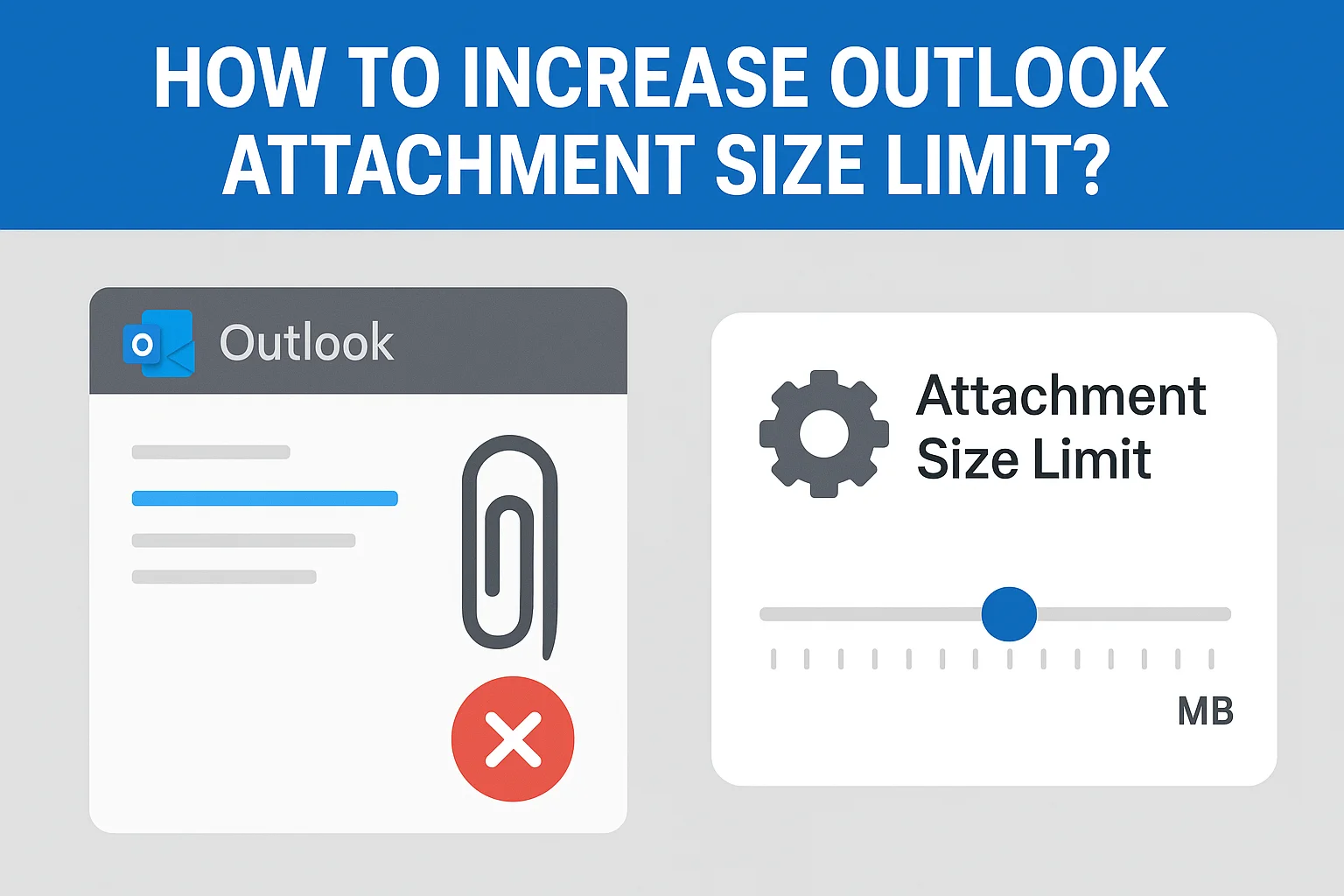
Summary: Microsoft Outlook is a very common application used by businesses and individuals alike. Outlook has a default hurdle for attachment size which is around 20 MB for Exchange accounts and 25 MB for IMAP/POP accounts. It is to ensure a stable mail server and also to avoid huge emails filling up inboxes. But this limitation can quickly become an obstacle when a user wants to send anything larger such as large presentations, media files, or project-related documents.
If you have ever received the error “the attachment size limit exceeds”, this guide will help you. Here, we tell you why users want to increase attachment limit size in Outlook, manual ways to do the same, the restriction, and expert ways that will help you to work with large attachments.
Why Increase Outlook Attachment Size Limit?
Here is what prompts the users to find a way around or exceeding Outlook’s default limits:
- Professionals often share big spreadsheets, design files, or project files.
- There are several of our users who’d rather not utilize any external services such as OneDrive or Google Drive.
- It would be frustrating to have these split into multiple emails.
- Research or design teams need to share files that can be larger than 20 to 25 MB.
- Raising the limit provides greater control over how attachments are handled in Outlook.
Manual Methods to Increase Attachment Size Limit Issue
There are some ways that can be used to increase the size limits for email attachments in Outlook. These are Windows settings that you are editing
#1. Modify Registry Editor (Windows)
The common method is to modify the Windows Registry:
- The usual way is to make a few adjustments to Windows Registry:
- Hit Win + R, type regedit and click OK.
- Navigate to the following path:
HKEY_CURRENT_USER\Software\Microsoft\Office\<version>\Outlook\Preferences
(Replace with your version of Outlook, e.g., 16.0 for Outlook 2016/2019/Office 365.)
- Right click on the Preferences folder.
- From the context menu select New > DWORD (32-bit) Value.Name it MaximumAttachmentSize.Right click on this entry and select Modify.Then select Decimal, and enter the size in KB that you want.
For Example: For a 50 MB limit, enter 51200.
- Simply close the Registry Editor and restart Outlook.
#2. Use Group Policy
If you’re in an organization, your IT admin can set attachment size limits for your mailbox using Group Policy:
- Go to Microsoft’s website and download the Office ADMX templates.
- Open the Group Policy Editor (gpedit. msc).
- Navigate to:
User Configuration > Administrative Templates > Microsoft Outlook <version> > Miscellaneous
4. Find policy Maximum Attachment Size.
5. Turn it on, and specify the desired file size (in KB).
The approach is handy for when you're in a business and want to place a limit on how much you can download.
#3. Server Level Settings
If you are connected to Exchange Server or Microsoft 365 the attachment size is limited by the server as well:
- Exchange Admins can modify the limits with the Exchange Management Shell with commands similar to these:
Set-TransportConfig -MaxSendSize 50MB -MaxReceiveSize 50MB
- Go to your Admin Center, Mail Flow Settings, and edit the maximum allowed attachment size.
Drawbacks of Using Manual Solutions
These can succeed, but they do have a few limitations:
- If you modify the Windows Registry or Group Policy incorrectly, this can lead to instability in Outlook.
- Even when Outlook does, your mail servers or the recipient’s mail servers might not.
- Bigger attachments means slower Outlook, bigger PST and OST files, and the increased risk of corruption.
- If you are frequently sending or receiving large attachments, increasing limits all the time is ineffective.
- These strategies just increase the size threshold, and they don’t help you sort, extract or manage big attachments that are already in your mailbox.
Outlook Attachment Size Limit - Smart Way
Rather than continuously using Outlook and crossing attachment limits, use SysTools Outlook Attachment Extractor to manage your emails effectively without any size limit issue. Below are the points that you can achieve while using:
- Now you can extract and save Outlook attachments one by one from .pst files.
- Various options to search and filter attachments by size, file type, or date range.
- It helps maintain the performance of Outlook; small mailbox size is key.
- Files can be organized neatly in folders.
- Is compatible with all versions of Outlook, and there is no need for manual changes to your Registry or Group Policy.
With this tool, you can avoid a risk of email delivery failing due to large attachment sizes.
Final Words
Through this blog post, you are going to see different ways to increase the Outlook attachment size limit. Firstly, with the help of Registry Editor, Group Policy or server settings. However, these methods are limited, particularly with extremely large or frequent attachments. For the long run, it is recommended to use our expert advice such as our professional solution. It not only helps you to solve the size limit problem but also makes sure your Outlook mailbox is optimised, organized and faster.