 Sign up with Google
 Sign in with Zoho
A lot of AI image models are evaluated purely on how good a single picture looks. That's the wrong test for design work — the real question is whether the output survives the next three steps of an actual production pipeline. Seedream 5.0 Pro, ByteDance's flagship image model available through KenerateAI, is built specifically around that gap, and it's worth walking through the practical workflows it actually solves.
Workflow 1: Handing Off Editable Layers Instead of a Flattened PNG
The most disruptive feature for a design workflow is on-demand layer separation — splitting a generated scene into a background plus up to 20 independent, transparent-PNG elements. In practice, that means a freelance designer can generate a composite scene, split it into layers, and drop straight into Photoshop or Figma without manually masking each element out first. That single step usually eats significant time in any AI-to-design handoff, and removing it changes how usable AI generation actually is for client work.
Workflow 2: Region-Specific Edits Without Regenerating Everything
Interactive precision editing — using points, bounding boxes, or rough sketches to indicate exactly which region to change — solves the common frustration of regenerating an entire image because one small element was wrong. For iterative client revisions ("just change the color of that one product, keep everything else"), this is a meaningfully faster loop than re-prompting from scratch each time.
Workflow 3: Infographics and Dashboards With Legible Small Text
Small, dense text — chart labels, UI copy, dashboard numbers — is a common failure point for AI image models generally. Seedream 5.0 Pro's complex information visualization capability is built to keep small text legible and layouts structurally accurate, which opens it up for infographic and dashboard mockup work that most image models simply can't handle reliably.
Workflow 4: Localizing the Same Creative Across Languages
Native multilingual text support across 14+ languages, including Arabic, Russian, Japanese, and Korean, means the same visual composition can be regenerated with correctly-typeset text per market instead of manually re-typesetting text in a separate design pass for each language version of a campaign.
Workflow 5: Photorealistic Output for Brand and Fashion Work
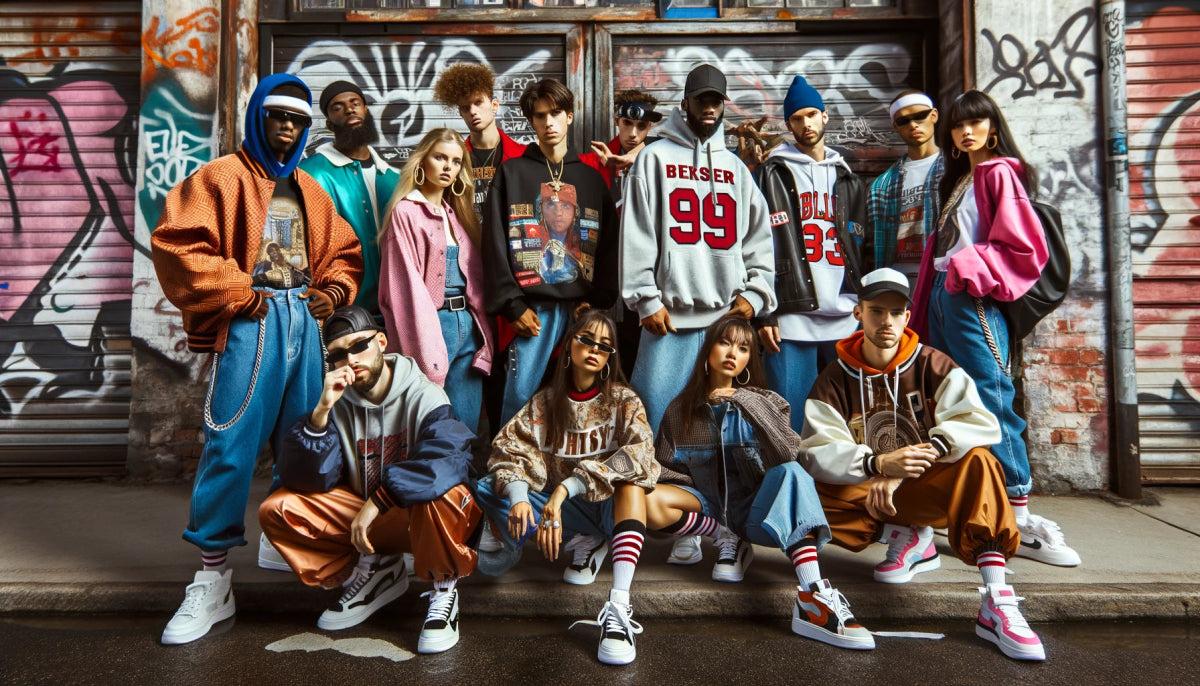
For campaigns needing believable lighting, depth, and skin texture rather than an obviously synthetic look, the model's 2K photorealistic output is built to hold up for brand and fashion-adjacent use rather than just concept-stage visuals.
Access and Cost
Through kenerateAI, access runs around $7 for 140 generations — positioned as a lower-cost route into the same underlying model compared to some other providers offering it — plus a full commercial license and no watermark, both relevant for handing finished work directly to a client.
Bottom Line
If your AI-generated images regularly need to survive a real design pipeline afterward — layered editing, regional revisions, legible small text, or multilingual versions — Seedream 5.0 Pro is built around exactly that friction, not just headline image quality. Worth testing directly against your current workflow before assuming a standard flattened-output generator is good enough.
👉 Try it here: Seedream 5.0 Pro on Kenerate AI
Suggested tags/keywords for this post: Seedream 5.0 Pro, AI for Designers, Layered PNG AI Image, Multilingual AI Text Rendering, AI Infographic Generator, Dreamina AI, Kenerate AI