Sign up with Google
 Sign in with Zoho

Home Security Cameras — A Practical Guide for Homeowners Every homeowner
thinks about safety at some point. But thinking and actually doing something about it are two very different things. Most people hold back either because of budget concerns or because it seems too complicated to set up.Here's the truth though — getting security cameras installed today is neither as expensive nor as difficult as most people assume.
Why do people actually get cameras?
Some people wake up after something happens nearby — a theft in the neighborhood, someone suspicious hanging around — and finally decide to act. Others just want that background peace of mind, especially when they're traveling or the house is empty at night.Sometimes just having a visible camera near the front door is enough. People notice it and think twice.And on a day-to-day level, it's genuinely useful. Catching a delivery before it gets rained on, spotting someone near your car, knowing who's at the door before you open it — small things that add up.
What kinds of cameras are out there?
Not everyone needs the same setup. Here's a simple breakdown:
- Indoor cameras — great if you have kids, elderly family members, or pets at home
- Outdoor cameras — built to handle sun, rain, and dust without giving up
- Wireless cameras — run on WiFi, much easier to install
- Wired cameras — a bit more work to set up, but the connection stays rock solid
- Doorbell cameras — see who's at the door straight from your phone
Where should you actually put them?
Placement matters more than most people realize. A well-placed basic camera beats a premium one pointed at the wrong spot.The front door is almost non-negotiable. After that, think about your driveway, your backyard (often dark and out of public view), and your garage if you keep anything valuable in there.
Features worth paying attention toDon't cut corners on these:
- Video clarity — if you can't make out a face or a license plate, what's the point
- Night vision — because most incidents don't happen in broad daylight
- Motion alerts — get notified on your phone the moment something moves
- Remote access — check in from work, from a trip, from anywhere
- Storage — SD card or cloud, just make sure something is recording
DIY or hire someone?
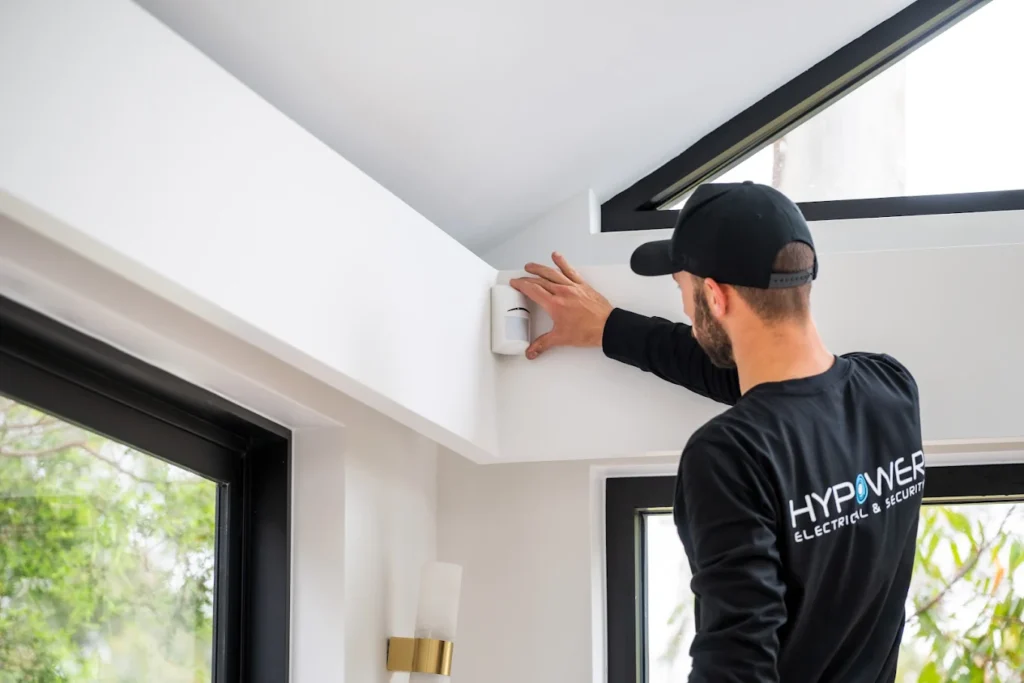
f your home is smaller and you're going wireless, honestly you can handle it yourself. There are plenty of decent tutorials online and most modern security camera installation are designed with regular people in mind.But if you want solid coverage across a bigger property, or you simply want it done right the first time — a professional installer is worth it. They'll catch blind spots you'd never think of and save you the frustration later.
Want to keep costs down?
Features worth paying attention toDon't cut corners on these:
- Video clarity — if you can't make out a face or a license plate, what's the point
- Night vision — because most incidents don't happen in broad daylight
- Motion alerts — get notified on your phone the moment something moves
- Remote access — check in from work, from a trip, from anywhere
- Storage — SD card or cloud, just make sure something is recording
The stuff people forget after installation
Setting up the camera is only half the job.Use a strong password — smart cameras can be hacked, and it happens more than people think. Clean the lens every once in a while — dust genuinely affects footage quality. And install software updates when they come through — they usually include important security fixes.At the end of the day, this doesn't have to be a big project or a big expense. Start simple, cover what matters most, and build from there. The goal is just to feel a little more in control of what's happening around your home — and that's completely achievable without breaking the bank.