 Sign up with Google
 Sign in with Zoho

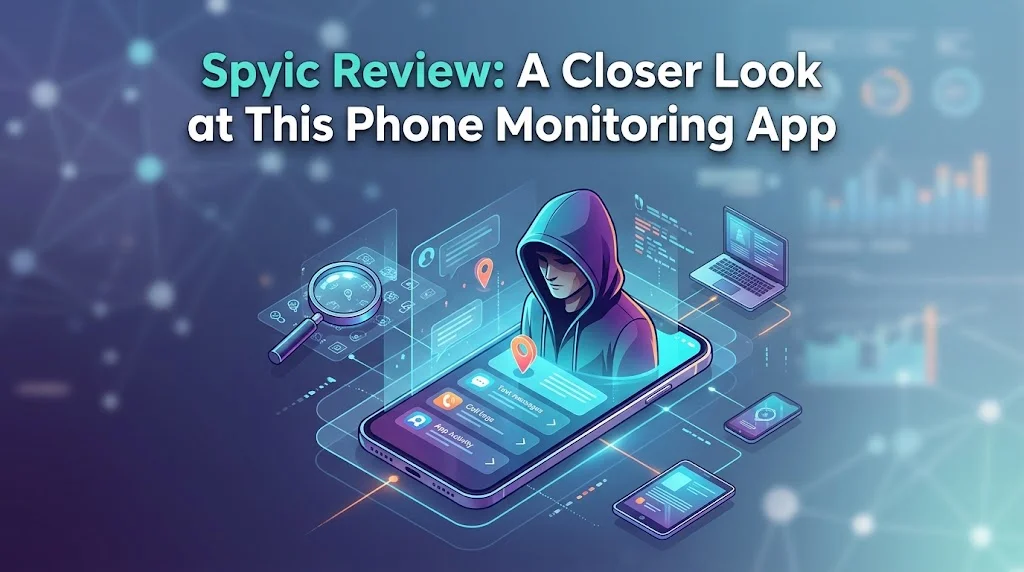
Keeping kids safe online is harder than it used to be. Children get their first smartphones earlier, social media moves fast, and most parents can’t sit beside their child every time they pick up a device. Monitoring apps have become a common answer, and Spyic is one of the better-known names. This review covers what it does, how it works, and who it suits.
What Is Spyic?
Spyic is a phone monitoring app for Android and iOS. It lets you view activity on a target device through a web-based dashboard that you can open from any browser, so you don’t need a second app on your own phone. It’s mainly used by parents who want to understand how their children use their devices, and sometimes by employers who manage company-owned phones.
Setup and First Impressions
Setup is one of the app’s stronger points. You create an account, choose the device type, and follow the on-screen steps. The instructions are clear and written for non-technical people, so you don’t need to be a tech expert to get started.
The two platforms work differently. On iOS, Spyic connects through the device’s cloud backup credentials, so there is usually nothing to install on the phone itself. On Android, a small app is installed on the device, which takes a few minutes of hands-on access. The process is straightforward on both, though iOS monitoring depends on cloud syncing, so updates can lag slightly behind real-time activity.
The Dashboard
The dashboard is clean and easy to move around in. Features sit in a sidebar, and each one opens a simple page without clutter. You won’t need a manual to find call history or location data, which matters if you only check in occasionally.
Key Features
Calls and messages
You can see call logs with contact names, timestamps, and call duration. Text messages are viewable too, which helps if you’re worried about a child talking to someone they shouldn’t.
Location tracking
GPS tracking shows where the device is on a map. You can also review past locations and set up geofences, which are virtual boundaries that alert you when the phone enters or leaves an area like school or home. This is one of the most practical features for everyday peace of mind.
Social media and messaging apps
Spyic supports monitoring of popular platforms, which matters because so much of a young person’s communication now happens outside regular texts. The depth of access can vary by device and operating system, so it’s worth checking what’s available for your specific setup.
Browsing history
You can see which websites have been visited, which helps you spot inappropriate content or unsafe habits early.
App and media access
You can also see which apps are installed and review some photos and videos stored on the device.
Keyword alerts
On supported setups, you can flag certain words so you’re notified when they appear. This can help catch signs of bullying or risky behavior without reading every message.
Performance and Reliability
In everyday use, the app is light and doesn’t noticeably slow the monitored phone or drain the battery. Data generally appears on the dashboard within a reasonable time, though speed depends on the device’s internet connection and, on iOS, how often the cloud backup syncs. Don’t expect instant, to-the-second updates in every case.
Pros and Cons
What works well
- Simple setup with clear guidance
- Clean, beginner-friendly dashboard
- Support for both Android and iOS
- Browser-based access, with no extra app for the parent
- Useful location tools like geofencing
- Light footprint on the monitored device
What could be better
- Some advanced features depend on the device and operating system
- iOS monitoring relies on cloud syncing, so there can be delays
- Android setup needs brief physical access to the phone
- Like all monitoring tools, it works best when used thoughtfully
Privacy and Responsible Use
Any monitoring app deserves a serious conversation about ethics and the law. Spyic should only be used on devices you own or have clear permission to monitor. For parents, that generally means monitoring your own minor child’s phone. For employers, it means company-owned devices and employees who have been informed. Secretly monitoring another adult is illegal in many places and can seriously damage trust.
For families, the best approach is often openness. Explain to your child why you’re using monitoring, what you’ll be checking, and that the goal is safety rather than control. Teens in particular respond much better when they understand the reasons and know the rules up front. Monitoring is a safety net, not a substitute for honest conversations about online behavior.
Who Is Spyic Best For?
Spyic suits parents of children and younger teens who want an easy way to keep an eye on calls, messages, location, and online activity. It’s a good fit for people who aren’t technical and want something that works without a long learning curve. It can also work for businesses with clear monitoring policies on company phones.
It’s less ideal if you expect perfect real-time data on every platform, or if you aren’t comfortable having a conversation with your child about monitoring. In those cases, a simpler tool, such as built-in family controls, might be enough.
Final Verdict
Spyic offers a practical, approachable way to monitor a phone. Its easy setup, tidy dashboard, and useful features like location tracking and activity logs make it a solid option for parents who want more visibility into their child’s digital life. It has limits, mainly around feature availability by platform and sync timing on iOS, but these are common across the category.
Used responsibly and openly, Spyic can be a helpful part of a broader approach to digital safety. Check what’s supported on your child’s specific device, be transparent with your family, and treat monitoring as one tool among several rather than the whole solution.