Sign up with Google
 Sign in with Zoho

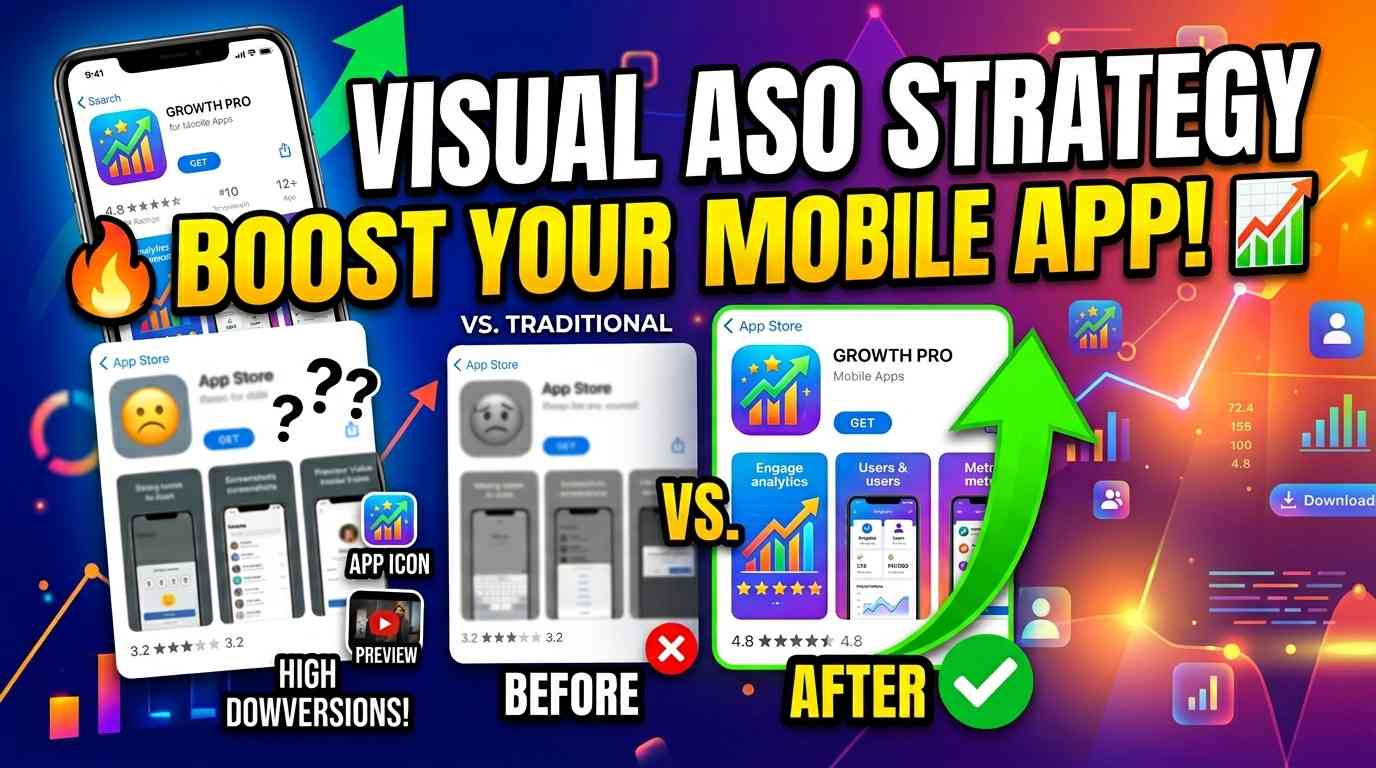
App Store Optimization (ASO) is no longer just about keywords and rankings. In 2026, success depends heavily on how your app looks. Users rely more on visuals than text when deciding whether to install an app. This is where a strong visual ASO strategy for mobile apps becomes essential.
From screenshots to icons and preview videos, every visual element plays a role in influencing user behavior. In this guide, you’ll learn how to build an effective visual ASO strategy that improves conversion rates and increases app downloads
What is Visual ASO?
Visual ASO focuses on optimizing the visual elements of your app listing to improve conversions.
These elements include:
- App screenshots
- App icon
- Preview videos
- Feature graphics (Play Store)
Unlike traditional ASO, which focuses on keywords, visual ASO strategies focus on user psychology, design, and presentation.
Why Visual ASO Matters in 2026
User behavior has changed significantly.
Today:
- Users scan instead of reading
- Visuals influence decisions instantly
- First impressions determine installs
This means your app’s success depends on how well your visuals communicate value.
A strong visual ASO strategy for mobile apps helps:
- Increase conversion rates
- Improve user engagement
- Build trust
- Boost app downloads
Key Elements of Visual ASO Strategy
App Screenshots
Screenshots are the most important part of visual ASO.
They should:
- Highlight key benefits
- Use clear and short text
- Follow a structured flow
- Maintain consistent design
High-quality screenshots are essential for app store conversion optimization.
App Icon
Your app icon is the first thing users see.
Best practices:
- Keep it simple
- Use bold colors
- Ensure it stands out
- Maintain brand identity
A strong icon improves click-through rate and visibility.
Preview Videos
Videos can showcase your app in action.
They are useful for:
- Demonstrating features
- Explaining app flow
- Building user trust
Short, engaging videos can significantly improve conversions.
Feature Graphics (Google Play)
Feature graphics appear at the top of your Play Store listing.
They should:
- Be visually appealing
- Match your brand
- Highlight your app’s core value
This element is important for attracting attention.
Core Principles of Visual ASO
Focus on Benefits
Users care about results, not features.
Instead of:
“Advanced Analytics Dashboard”
Use:
“Track Your Progress Instantly”
Benefit-driven messaging improves clarity and conversions.
Keep Design Simple
Simple designs perform better.
Avoid:
- Cluttered layouts
- Too many colors
- Complex visuals
Clean design improves readability and user experience.
Maintain Consistency
All visuals should follow a consistent style.
Use the same:
- Colors
- Fonts
- Layout patterns
Consistency builds trust and professionalism.
Use Strong Visual Hierarchy
Guide the user’s attention.
Make sure:
- Headlines are clear
- UI is visible
- Important elements stand out
This improves understanding and engagement.
Visual Storytelling Strategy
Top apps use visuals to tell a story.
A typical flow includes:
- First screen → main value
- Second → key feature
- Third → problem solved
- Fourth → benefit
- Fifth → trust
- Sixth → call to action
This approach improves user engagement and increases conversions.
Conversion Optimization Through Visual ASO
Visual ASO is directly linked to conversion rate.
To improve conversions:
- Optimize your first screenshot
- Use clear headlines
- Highlight key benefits
- Test different layouts
- Reduce visual clutter
Even small improvements can lead to significant growth in downloads.
Common Visual ASO Mistakes
Avoid these mistakes:
- Using low-quality images
- Adding too much text
- Ignoring design consistency
- Not optimizing the first screenshot
- Focusing only on features
Fixing these can instantly improve performance.
Scaling Visual ASO with the Right Tools
Creating and testing visuals manually can be time-consuming.
Tools like Nakxi simplify this process.
Nakxi helps you:
- Create professional screenshots
- Maintain design consistency
- Use templates for faster workflow
- Resize visuals automatically
- Improve visual storytelling
This allows you to implement a strong visual ASO strategy efficiently.
Final Thoughts
A strong visual ASO strategy for mobile apps is essential for success in today’s competitive app market.
Keywords may bring users to your page, but visuals convert them into downloads.
Key Takeaways:
- Visual ASO is critical for conversions
- Screenshots are the most important element
- Design and clarity matter more than complexity
- Storytelling improves engagement
- Consistency builds trust
If you focus on optimizing your visuals, you can significantly increase your app downloads.